How to Navigate the PC Building Landscape During a Pricing Crunch: A Step-by-Step Guide
Introduction
Recent surveys indicate that a significant portion of PC gamers—roughly 60%—have no plans to build a new computer within the next two years. This hesitation stems largely from the ongoing AI pricing crunch, which has driven up costs for RAM, GPUs, and other critical components. If you’re among those considering a new build, understanding the current market dynamics is essential to making a smart decision. This step-by-step guide will help you evaluate whether now is the right time to build, what to watch for, and how to stretch your budget amid inflated prices.
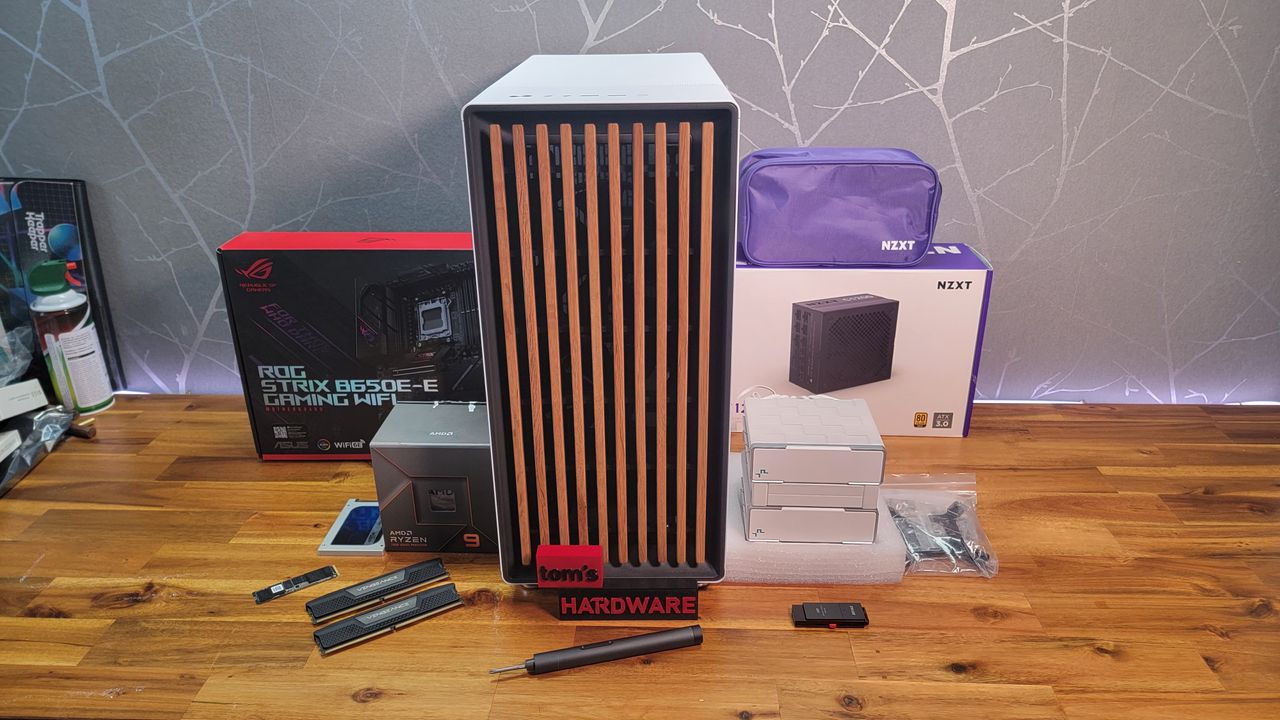
What You Need
- An understanding of current component prices (check online retailers or price trackers)
- Knowledge of your current PC’s specifications (CPU, GPU, RAM, storage)
- Access to market trend reports (e.g., from Tom’s Hardware or similar sites)
- A clear budget range for a new build or upgrade
- Patience and willingness to wait for better deals if needed
Step-by-Step Guide
Step 1: Assess Your Current PC’s Performance
Before spending any money, determine whether your existing system still meets your needs. Check if your games run smoothly at your desired settings. If your PC handles modern titles well, you may not need a new build. Record your current specs—processor, graphics card, RAM capacity and speed, and storage type (SSD vs. HDD). This baseline will help you identify what truly needs upgrading.
Step 2: Research Current Component Prices
Visit online retailers and price comparison tools to get real-time costs for key components. Pay special attention to RAM and GPUs, as these are most affected by the AI-driven price inflation. For example, DDR5 memory and high-end video cards like the NVIDIA RTX 40 series or AMD Radeon RX 7000 series have seen notable increases. Keep a spreadsheet or notes of the prices for CPUs, motherboards, power supplies, and storage as well.
Step 3: Understand the Impact of AI on Pricing
The AI boom has led to increased demand for memory and compute resources, driving up costs for DRAM and NAND flash. Manufacturers are allocating more production to AI server chips, tightening supply for consumer parts. This effect is most pronounced in high-capacity RAM (32GB+ and DDR5) and GPUs with large VRAM (12GB+). Tom’s Hardware’s survey confirms that 60% of gamers are postponing builds precisely because of these inflated costs. Knowing this helps you decide whether to wait or compromise on certain specs.
Step 4: Determine If a Full Build or Partial Upgrade Is Best
Compare your existing system against the price of new components. If only one or two parts are outdated—say, upgrading from 16GB to 32GB of RAM or swapping in a better GPU—a partial upgrade may be more cost-effective than a full rebuild. However, if your platform is several generations old (e.g., DDR3, old socket), a new build might be necessary. Use Step 2’s pricing data to weigh the options.
Step 5: Set a Realistic Budget and Timeline
Given current prices, expect to spend 20–40% more than you would have two years ago for a similar build. Set a budget based on your financial comfort and gaming requirements. Then, decide on a timeline: can you wait 6–12 months for potential price drops? Many manufacturers expect supply to stabilize as more fabrication plants come online. If you can delay, you might secure components closer to original MSRP. If you must build immediately, prioritize essential parts and consider buying used or refurbished to save.
Step 6: Evaluate the “Two-Year Rule” (What 60% of Gamers Are Doing)
According to the survey, a majority of PC gamers plan to hold off for two years. Why? They expect the AI pricing crunch to ease, or they believe next-generation components will offer better value. Consider joining this waiting group if your current PC still functions adequately. Use the time to monitor market trends and save money. You can also prepare by keeping a price watchlist.
Step 7: Explore Alternative Solutions
If you need better performance immediately but can’t afford a new build, consider these alternatives:
- Cloud gaming services – Subscribe to platforms like GeForce Now or Xbox Cloud Gaming to access high-end hardware remotely.
- Used/refurbished parts – Check reputable sellers for older-generation GPUs or RAM that may have dropped in price.
- Pre-built PCs – Sometimes pre-built systems from manufacturers offer bulk discounts that offset individual component price hikes.
- Budget-friendly components – Opt for mid-range parts (e.g., Radeon RX 7600 or Core i5-13400) that balance performance and cost.
Tips for Success
- Monitor sales and bundles – Sign up for newsletters from Newegg, Amazon, and Micro Center to catch flash deals.
- Consider buying RAM now – RAM prices are among the most volatile; if you find a good deal, lock it in even if you delay other parts.
- Use price history tools – Websites like CamelCamelCamel track Amazon prices to help you spot genuine discounts.
- Don’t overspend on future-proofing – Avoid paying a premium for “AI-ready” features you may never use; focus on what you need today.
- Join community forums – Reddit communities like r/buildapc or r/pcmasterrace share real-time deals and advice on navigating price hikes.
- Be patient – The AI crunch is cyclical; waiting even six months could save you 15–25% on key components.
Related Articles
- Mastering Alabaster Dawn: A Complete Beginner's Guide to the 2.5D Action-RPG
- Decoding the Roach Tradition: A Step-by-Step Guide to Understanding Geralt's Horse Naming
- The Secret Mathematical Patterns in Plant Solar Adaptation
- Fortnite Zero Battle: A Major Overhaul Arrives This Week
- Dark and Darker Legal Saga: Supreme Court Sets Damages in Civil Case
- How to Navigate California's Game Preservation Bill: A Comprehensive Guide
- Activision Confirms Next Call of Duty Skipping PS4: End of an Era for Last-Gen Consoles
- Turning a PlayStation 5 into a Full Linux Gaming Rig: How It Works and What You Need to Know