Google Reduces Free Storage to 5GB for New Accounts: What You Need to Know
Overview of the Change
Google is quietly testing a significant reduction in free storage for new accounts. Instead of the long-standing 15GB tier, some users in select regions are now offered only 5GB. This shift appears to be linked to whether a phone number is provided during sign-up, with the larger allocation reserved for those willing to verify via SMS. Existing Google account holders who already have the 15GB plan will not be affected, maintaining their current quota.
Why the Reduction?
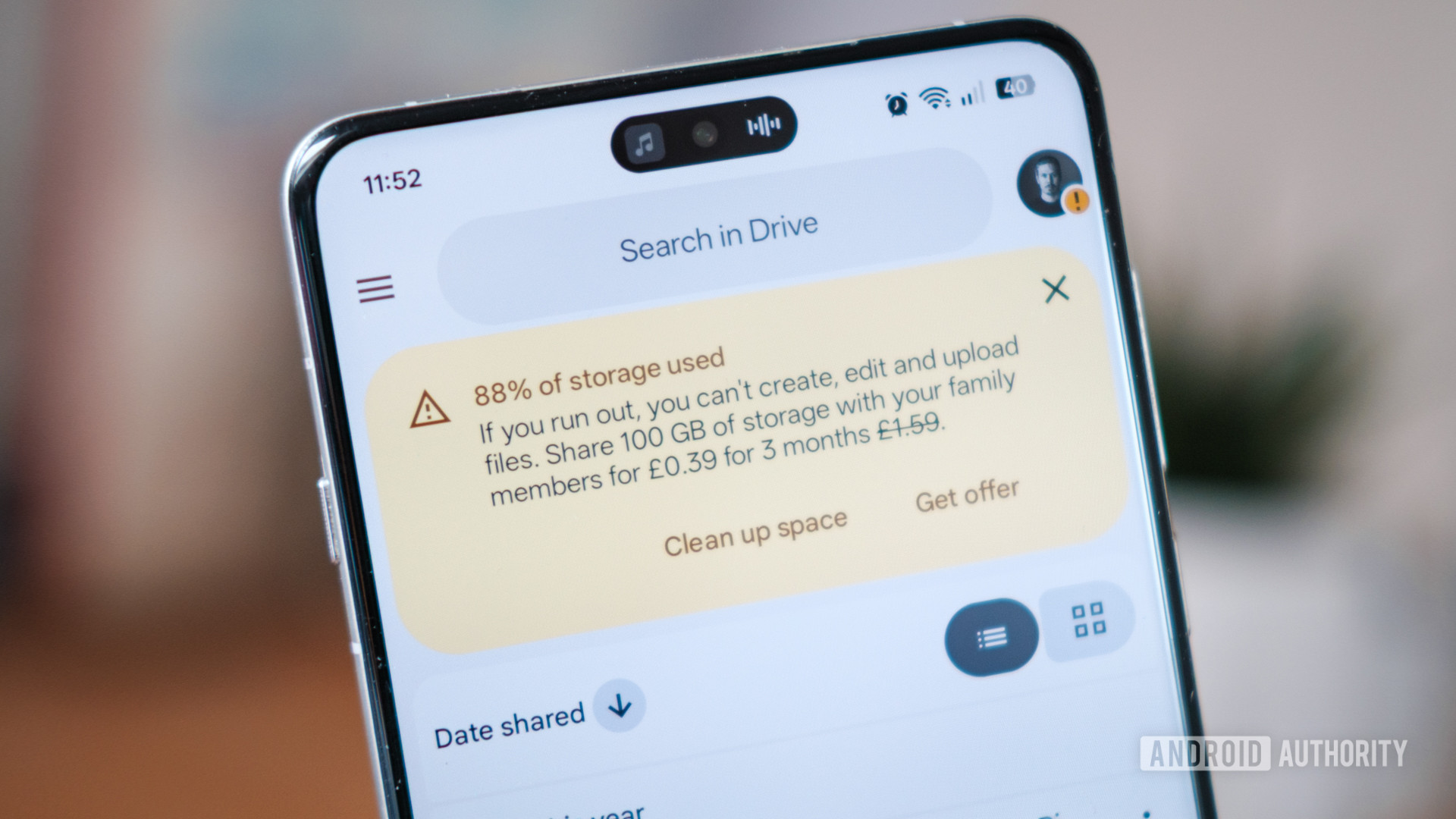
Google’s reasoning ties into account security and spam prevention. By requiring a phone number for the higher storage amount, Google gains a stronger identity verification method. However, this also means the company collects more personal data—a phone number—which has privacy implications. The move may also encourage more users to purchase additional storage via Google One plans, especially as digital storage needs grow.
Regions Affected So Far
According to early reports, the trial is rolling out in countries like India and select parts of Asia. Users attempting to create a new account in these areas see the 5GB limit when they decline to provide a phone number. Google has not confirmed a global expansion, but the pattern suggests it could become permanent over time.
What This Means for New Users
If you are considering opening a fresh Google account, be prepared for a tighter storage constraint. With only 5GB shared across Gmail, Google Drive, and Google Photos (in high quality), this limit fills up quickly. A single email attachment or a few high-resolution images could push you over the edge. To avoid interruptions, you may need to either provide a phone number or purchase additional capacity via Google One subscriptions starting at $1.99/month for 100GB.
Comparison: 5GB vs. 15GB
The drop from 15GB to 5GB represents a two-thirds reduction. To put that in perspective:
- Emails: 5GB can hold roughly 125,000 text-only emails (assuming 40KB each) versus 375,000 with 15GB.
- Photos: Google Photos (in storage saver mode) can store about 1,250 photos per GB, so 5GB equals ~6,250 photos compared to 18,750.
- Documents: 5GB translates to about 2.5 million Google Docs pages (assuming 2KB per page) compared to 7.5 million.
This makes the 5GB limit more suitable for light users who primarily use Gmail for basic communication and rarely store files.
Impact on Existing Users
Lucky for long-term Google users, the 15GB quota remains unchanged. However, Google has previously introduced stricter policies for older accounts, such as requiring occasional sign-ins or enforcing inactive account deletion. While no storage cuts are imminent for existing users, the company could eventually tighten limits across the board. It is wise to monitor your usage and consider managing your storage proactively.
How to Check Your Current Storage
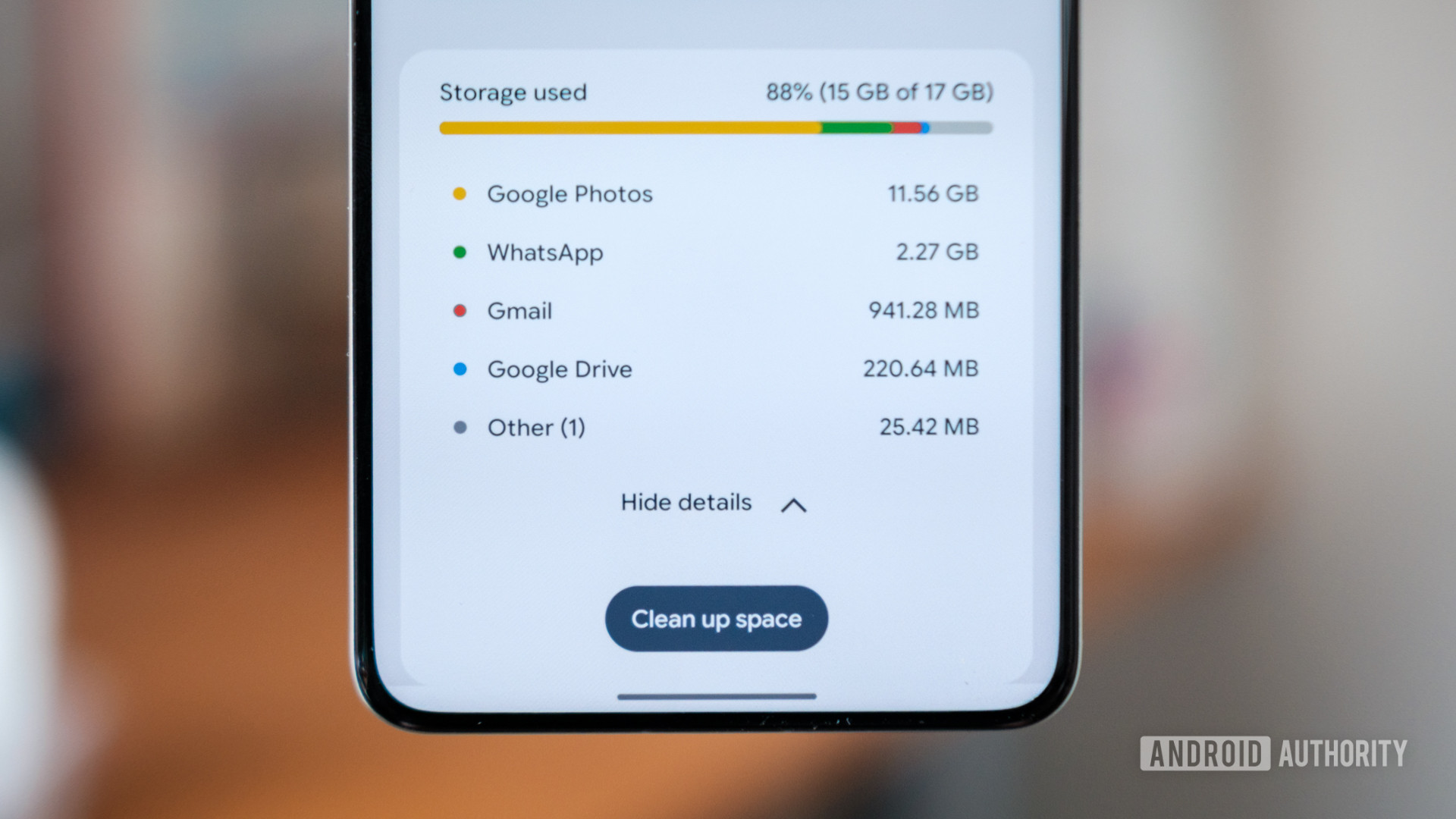
Visit Google One’s storage page to see exactly how much space you have left. You can also manage files directly from Gmail, Drive, and Photos to free up room without paying.
Strategies to Stay Within the 5GB Limit
If you end up with a 5GB account, or if you want to conserve storage on any plan, try these tips:
- Delete old emails: Remove large attachments and spam. Sort by size in Gmail using “size:10MB”.
- Use storage saver mode in Google Photos: This compresses photos to 16MP and videos to 1080p, saving significant space.
- Migrate to another cloud service: Services like Microsoft OneDrive or Dropbox offer 5GB free as well, but may have different limits.
- Buy a Google One plan: For frequent users, $1.99/month for 100GB is affordable and includes extra benefits like VPN access (in select regions).
Taking Control of Your Storage
Regardless of your current limit, regularly auditing your stored data prevents surprises. Use Google Drive’s “Storage” view to see which files take up the most space. Set up automated cleanup rules for Gmail (e.g., auto-delete emails older than one year). By staying organized, you can make the most of your free allocation.
The Future of Google’s Free Storage
This trial signals that Google may be moving toward a model where the default free tier is smaller, with phone number verification used as a gate to a slightly larger tier (still short of 15GB). While existing users are safe for now, new sign-ups face a tougher landscape. If you rely heavily on Google services without paying, consider your long-term data plan. The writing is on the wall: free storage is shrinking, and identity verification is becoming a cost of admission.
Related Articles
- Glasses-Free 3D iPhone: What the Latest Samsung Rumor Reveals
- 10 Crucial Insights for Building VR Apps with React Native on Meta Quest
- Global Google Search Disruption: What Happened and What We Know So Far
- Google Unveils 'Googlebook' Project: Premium Chromebook Successor with Upgrade Path for Select Models
- React Native 0.84: Hermes V1 Now Default, Build Times Slashed, and Legacy Architecture Removed
- Your Complete Guide to Tuning Into Apple’s Q2 2026 Earnings Call Live
- iOS 27: 10 Game-Changing Upgrades for iPhone Users
- How to Build 20 Apps in 20 Days with Flutter and Antigravity: A Step-by-Step Guide