How to View HEIC Images on Ubuntu 26.04 LTS: Complete Fix Guide
Introduction
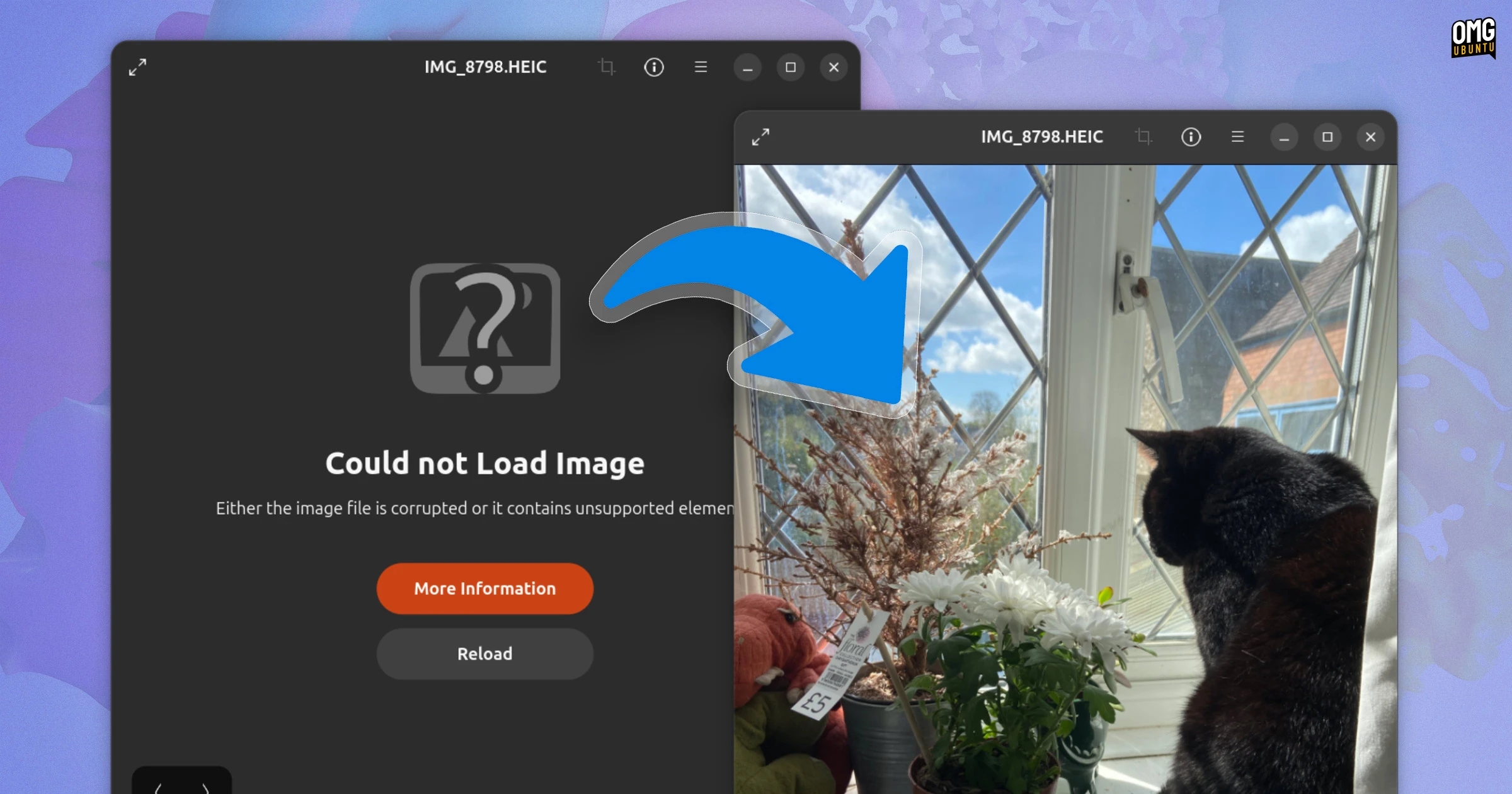
If you’ve ever transferred photos from your iPhone or modern Android device to a computer running Ubuntu 26.04 LTS, you may have encountered a frustrating “Could not load image” error in the default Image Viewer. This happens because HEIC (High Efficiency Image Container) files—a variant of HEIF using H.265/HEVC compression—are no longer supported out-of-the-box in this Ubuntu release. But don’t worry: the fix is straightforward and takes only a few minutes.

Understanding HEIC and Why Ubuntu Dropped It
HEIC is the default image format on Apple devices (iPhones, iPads) and is increasingly used on newer Android smartphones. It offers better compression than JPEG while preserving image quality, making it ideal for saving storage space. However, the underlying codec (H.265/HEVC) is patented, which creates licensing complexities for Linux distributions.
Previous Ubuntu versions included a decoder library (libheif or similar) that could handle HEIC files. In Ubuntu 26.04 LTS, the dependency chains were intentionally adjusted so that this library is no longer pulled in automatically. This is not a bug but a deliberate decision to avoid potential patent issues—though it means that HEIC images won’t open in the default viewer unless you manually install the required software.
Step-by-Step Fix: Installing the HEIC Decoder
To restore HEIC support, you need to install a package that provides the necessary decoder. The following instructions work for both GNOME’s Image Viewer and other applications like Eye of GNOME or GIMP.
1. Update Your Package List
Open a terminal (Ctrl+Alt+T) and run:
sudo apt update2. Install the HEIF Library
Install libheif1 (or equivalent depending on your repository):
sudo apt install libheif1If you’re using a 64-bit system, you may also need the libheif-dev package for development tools, though the base library is usually sufficient for viewing.
3. Verify the Installation
After installation, try opening a HEIC file in the Image Viewer. The error should be gone. If not, restart your session or log out and back in.
Alternative Methods for HEIC Support
If the above doesn’t work or you prefer a different approach, consider these alternatives:
- Convert HEIC to JPEG/PNG: Use a tool like
heif-convert(part of thelibheif-examplespackage) to batch convert files. Install withsudo apt install libheif-examplesand runheif-convert input.heic output.jpg. - Use a Dedicated Image Viewer: Applications like gThumb or Nomacs often include HEIC support via plugins. Install with
sudo apt install gthumb. - Enable PPAs: Some third-party repositories offer updated decoder packages. However, be cautious—stick to trusted sources.
Troubleshooting Common Issues
If HEIC images still fail to load after installing libheif1, check these points:
- Outdated library: Ensure you have the latest version by running
sudo apt upgrade. - Application cache: Some apps cache thumbnails. Clear the thumbnail cache with
rm -rf ~/.cache/thumbnails/*. - Corrupted files: The HEIC file itself might be damaged. Test with another image from the same source.
Conclusion
Ubuntu 26.04 LTS’s decision to exclude HEIC support is understandable given patent concerns, but it creates an inconvenience for users who transfer photos from modern smartphones. Fortunately, installing a single package (libheif1) restores full compatibility in seconds. For those who prefer not to install additional codecs, converting files to a universal format like JPEG is a reliable alternative. With this guide, you can now view and manage HEIC images without hassle.
Note: This article is based on the original post at OMG! Ubuntu and has been rewritten for clarity and completeness.
Related Articles
- React Native 0.84 Arrives: Hermes V1, Speedier Builds, and Streamlined Architecture
- Old Galaxy S22 Camera Still Outshines iPhone in 4 Key Areas, Expert Analysis Reveals
- Bringing React Native to Virtual Reality: Developing for Meta Quest
- Meta Brings React Native to Quest VR Headsets at React Conf 2025
- How iOS 26’s Phone App Transformed Calling with Two Game-Changing Features
- YouTube Music's Foldable Interface Finally Delivers: How to Unlock the Optimal Layout
- Implementing Under-Display Face Authentication with Metalenz Polar ID: A Step-by-Step Guide
- React Native 0.84: Hermes V1 and Precompiled Binaries Become Default